Enshrouded Exclamation Point — What the Markers Mean
What exclamation marks and icons on NPCs, items and the map mean in Enshrouded: new quests, quest-linked items, unlock notifications, and how to clear them.
FAQ
What does the exclamation mark over an NPC mean?
Why does an item in my inventory have a quest marker?
How do you remove an exclamation mark that will not go away?
Enshrouded uses exclamation-style markers in three places, and each means something different.
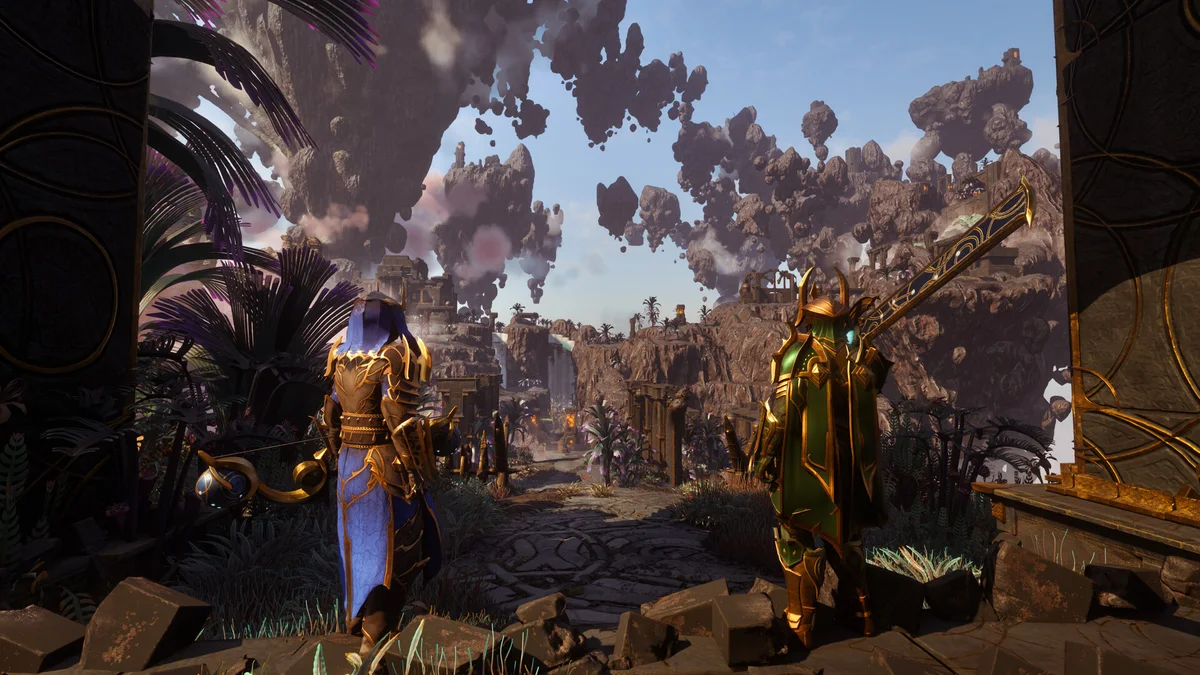
Over an NPC’s head
Classic meaning: new quest or dialogue available. This appears when a quest giver has something new for you — a fresh quest, a quest step update, or an unviewed dialogue branch.
To clear it, talk to the NPC and page through every dialogue option. The mark persists if a dialogue branch is still unopened, which is why players sometimes see it stick around after turning a quest in.
On an item in your inventory
A marker next to an inventory item means the item is linked to a quest or progression flag. Community examples include tools that appear in quest steps and materials tied to unlock chains. The purpose is awareness: the game flags items relevant to advancement so they do not get sold or dropped by accident.
These marks clear automatically when the linked step completes. You cannot remove one manually, and you do not need to.
On the map
Map markers show active quest objectives. The behavior to know:
- Yellow/gold markers are your currently tracked quest targets
- A marker that seems to point at nothing usually marks an objective inside a building or below ground
- Markers that never clear point at unfinished prerequisites — see quests not completing fixes
The case of the permanent mark
If an exclamation point survives everything, the usual culprit is one of these:
- A dialogue branch you never opened (page through all options)
- A quest step done in another world that your world never registered — fix list here
- An unlock notification that only clears when you claim the unlock at the relevant station
Related guides
Sources: Steam Community discussions, Reddit threads on quest markers, official wiki quest notes. Last verified 2026-10-21 for v1.0.
Related Articles
guides
Enshrouded Crafting From Storage — the Magic Chest System
How crafting from storage works in Enshrouded: magic chest crafting, the shared chest network, station proximity rules, and storage layouts that craft for you.
guides
Enshrouded Crafting Materials — the Full Material Chain
Every crafting material family in Enshrouded: metals from scrap to Celestium, wood tiers, textiles, leather, and Shroud reagents with their processing stations.
guides
Enshrouded Crafting Recipes — How Recipes Unlock and Scale
How crafting recipes work in Enshrouded: pickup unlocks, craftsperson gating, item levels that rescale costs with Flame level, and where to find every recipe.
Was this helpful?
Thanks for the feedback!