Enshrouded Building Guide — How the System Works
The Enshrouded building system explained: the Construction Hammer, altar boundary, snapping and grid placement, terrain editing, and how removal refunds work.
FAQ
How do you build in Enshrouded?
When do you get the Construction Hammer?
Do you get materials back when you remove blocks?
Enshrouded’s building looks like freeform voxel crafting, but it runs on a tight ruleset. Learn the five rules and nothing about construction will surprise you.
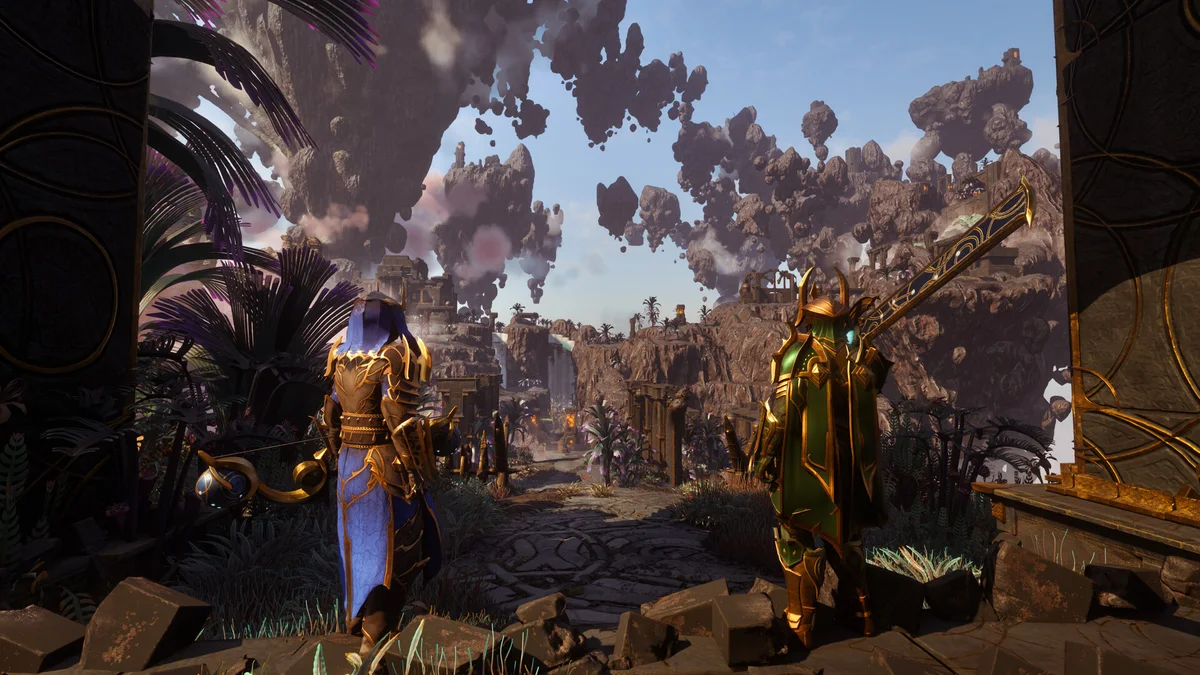
Rule 1 — the altar is the license
Nothing builds outside an active Flame Altar cube. The altar defines the volume (40m per side at level 1, up to 160m at level 4), enables the hammer, and anchors respawn and fast travel. Every building problem eventually traces back to a boundary question: is this inside my cube?
Rule 2 — the hammer gates everything
The Construction Hammer unlocks at character level 2. With it you place blocks, place furniture and stations, and remove pieces. Without it, the world is scenery. Level 2 arrives within the first hour of normal play.
Rule 3 — grid snapping with free rotation
Blocks snap to a placement grid, which is what makes large builds look clean without precision aiming. You can rotate pieces, place against existing geometry, and switch block types mid-build. Fences, stairs, and roofs follow the same snapping logic as walls.
Rule 4 — voxel terrain
Ground is editable: raise, lower, and flatten within the altar cube. This is how flat farms appear on hillsides. The catch is the 30-minute rule — terrain edits outside the boundary revert, so do all terraforming inside your cube.
Rule 5 — removal refunds
Removing a placed piece returns its materials. This single rule makes experimentation free: build the wall, hate it, refund it, try the archway. The players with the best bases are the ones who treat the first version as a draft.
The first-hour build sequence
- Gather 5 stone, place the Flame Altar on flat ground
- Reach level 2 through the opening quests
- Craft the Construction Hammer
- One hut: walls, roof, bed, campfire — the comfort minimum from our comfort guide
- Then follow the base design guide before building anything large
Related guides
Sources: official wiki Building and Flame Altar entries, verified in-game mechanics, community building guides. Last verified 2026-10-22 for v1.0.
Related Articles
guides
Enshrouded Crafting From Storage — the Magic Chest System
How crafting from storage works in Enshrouded: magic chest crafting, the shared chest network, station proximity rules, and storage layouts that craft for you.
guides
Enshrouded Crafting Materials — the Full Material Chain
Every crafting material family in Enshrouded: metals from scrap to Celestium, wood tiers, textiles, leather, and Shroud reagents with their processing stations.
guides
Enshrouded Crafting Recipes — How Recipes Unlock and Scale
How crafting recipes work in Enshrouded: pickup unlocks, craftsperson gating, item levels that rescale costs with Flame level, and where to find every recipe.
Was this helpful?
Thanks for the feedback!